
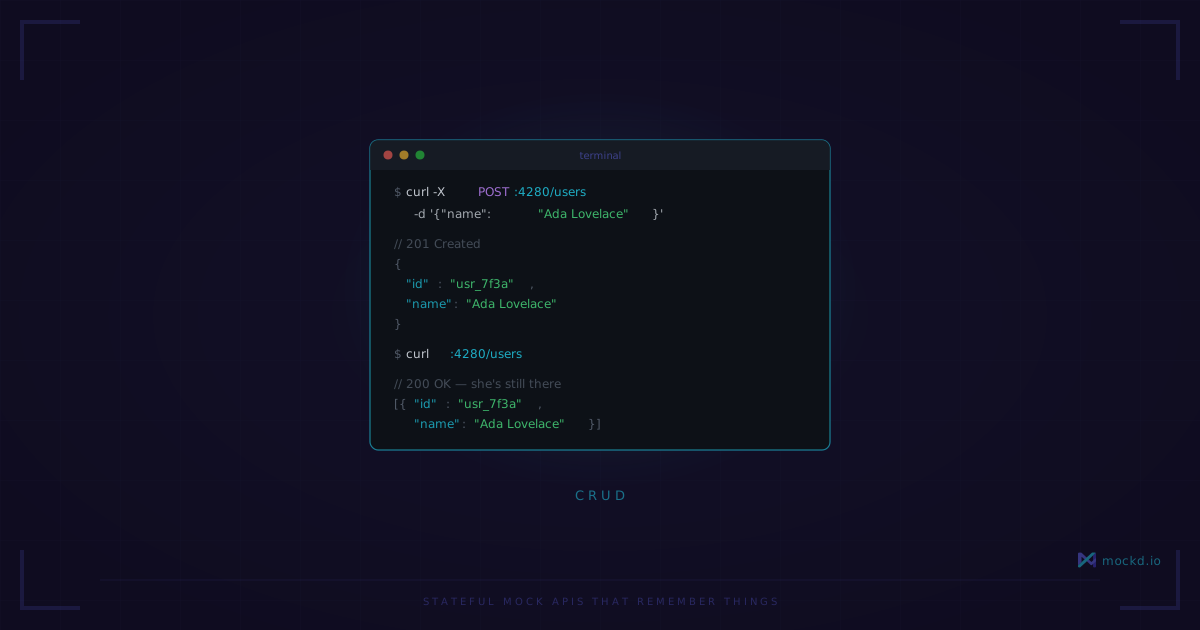
Stateful Mock APIs That Remember Things
Most mock servers return canned responses. mockd keeps state — create a user, and it actually exists. Delete it, and it's gone. One command to get a full CRUD API.
Last month I was helping a friend prototype a React app. He had a login screen, a dashboard, and a settings page — all wired up to fetch() calls against an API that didn’t exist yet. His backend developer was two sprints behind.
His solution? A db.json file and a bunch of if statements in a local Express server. Create a user? Manually append to the array, write the file, hope nothing races. Delete a user? Splice by index and pray.
It worked. Barely. And every time he restarted the server, he had to re-seed the data by hand.
This is the problem mockd solves with stateful resources. One command gives you a full CRUD API that actually remembers what you did.
One command, five endpoints
mockd add http --path /api/users --stateful usersCreated stateful resource: users
Base path: /api/users
Endpoints:
GET /api/users — List all users
POST /api/users — Create a user
GET /api/users/{id} — Get a user by ID
PUT /api/users/{id} — Update a user
DELETE /api/users/{id} — Delete a userThat’s it. You now have a working REST API with in-memory storage. No schema to define, no database to configure, no boilerplate server code.
The full lifecycle
Let’s walk through it. Create a user:
curl -X POST http://localhost:4280/api/users
  -H "Content-Type: application/json"
  -d '{"name":"Alice","email":"alice@example.com"}'
mockd auto-generates an id (UUID), createdAt, and updatedAt for you. The response comes back with all of it.
Now list users:
curl http://localhost:4280/api/users{
"data": [
{
"id": "a1b2c3d4-...",
"name": "Alice",
"email": "alice@example.com",
"createdAt": "2026-02-28T10:30:00Z",
"updatedAt": "2026-02-28T10:30:00Z"
}
],
"meta": {
"total": 1,
"limit": 100,
"offset": 0,
"count": 1
}
}Alice is there. She didn’t come from a JSON file or a hardcoded fixture — the server created her and is holding her in memory.
Get her by ID:
curl http://localhost:4280/api/users/{id}Update her:
curl -X PUT http://localhost:4280/api/users/{id}
  -H "Content-Type: application/json"
  -d '{"name":"Alice Updated"}'
Delete her:
curl -X DELETE http://localhost:4280/api/users/{id}Returns 204 No Content. Hit the list endpoint again, and she’s gone. Actually gone — not hidden behind a flag, not soft-deleted. The state changed.
This matters because your frontend code probably has flows like “create an item, see it appear in the list, edit it, see the edit reflected, delete it, confirm it’s removed.” With a stateless mock server, you can’t test that flow without faking it client-side. With stateful resources, the mock server behaves like a real backend.
Seed data from config
For repeatable test scenarios, you don’t want to start from an empty state every time. A YAML config file lets you pre-load data:
version: "1.0"

tables:
  - name: products
    idField: id
    seedData:
      - { id: "prod-001", name: "Widget", price: 9.99, inStock: true }
      - { id: "prod-002", name: "Gadget", price: 24.99, inStock: false }

mocks:
  - type: http
    http:
      matcher: { method: GET, path: /api/products }
      statefulBinding: { table: products, action: list }
  - type: http
    http:
      matcher: { method: POST, path: /api/products }
      statefulBinding: { table: products, action: create }
  - type: http
    http:
      matcher: { method: GET, path: "/api/products/{id}" }
      statefulBinding: { table: products, action: get }
  - type: http
    http:
      matcher: { method: PUT, path: "/api/products/{id}" }
      statefulBinding: { table: products, action: update }
  - type: http
    http:
      matcher: { method: DELETE, path: "/api/products/{id}" }
      statefulBinding: { table: products, action: delete }
Start the server with mockd start -c mockd.yaml --no-auth, and those two products exist immediately. Your tests can rely on prod-001 being there without creating it first.
Multiple resources
Nothing stops you from running several resources at once. A typical setup might look like:
mockd add http --path /api/users --stateful users
mockd add http --path /api/products --stateful products
mockd add http --path /api/orders --stateful orders
Three independent CRUD APIs, all on the same server, all holding their own state. Create a user, create a product, create an order that references both — the data is there for as long as the server is running.
Resetting state
During test runs, you usually want to start clean between scenarios. mockd lets you reset a resource back to its seed data (or back to empty, if there’s no seed data). This is useful in CI where you’re running the same test suite against the same mock server — you don’t want test A’s data leaking into test B.
What it doesn’t do
I want to be upfront about the boundaries here, because they matter:
No relational queries. You can’t JOIN users to orders. Each resource is an independent collection. If you create an order with userId: "abc123", mockd won’t check that a user with that ID actually exists. It stores what you give it — nothing more.
No field-level validation by default. POST any JSON shape you want to any resource, and mockd will accept it. Send {"favoriteColor": "blue"} to /api/users, and you’ll get back an object with favoriteColor, id, createdAt, and updatedAt. This is a feature — it stays out of your way while prototyping — but it also means mockd won’t catch schema mistakes for you.
State doesn’t survive server restart unless you use --data-dir to persist to disk. By default, everything lives in memory. Stop the server, and the data is gone. For most test and prototyping use cases this is fine — you want a clean slate anyway. But if you’re running mockd as a long-lived dev environment, pass --data-dir ./mock-data to keep state across restarts.
When I actually use this
The two scenarios where stateful resources save me the most time:
Frontend prototyping. I’m building a UI, the backend doesn’t exist yet, and I need more than static JSON. I need to create things, see them in lists, edit them, delete them. The full CRUD cycle. Stateful resources give me that in one command per entity.
Integration test fixtures. I seed the mock server with known data, run a test suite, then reset. The tests don’t depend on an external database or a staging environment that some other team might be deploying to at the same time.
It’s not a replacement for a real backend. It’s what you use until the real backend shows up — or when you need to test against something predictable that you fully control.
If you run into a case where stateful resources don’t quite fit — or you need something like filtering or pagination beyond the basics — open an issue. What gets built next depends a lot on what people actually ask for.
Learn more
- REST API mocking quickstart — start here if you haven’t used mockd before
- Chaos engineering with mockd — inject latency and errors into your stateful endpoints
- All 7 supported protocols — HTTP, gRPC, GraphQL, WebSocket, MQTT, SSE, SOAP
Links
- GitHub: github.com/getmockd/mockd (Apache 2.0)
- Docs: docs.mockd.io
- Install:
brew install getmockd/tap/mockdorcurl -fsSL https://get.mockd.io | sh
Try mockd
Multi-protocol API mock server. HTTP, gRPC, GraphQL, WebSocket, MQTT, SSE, SOAP.