
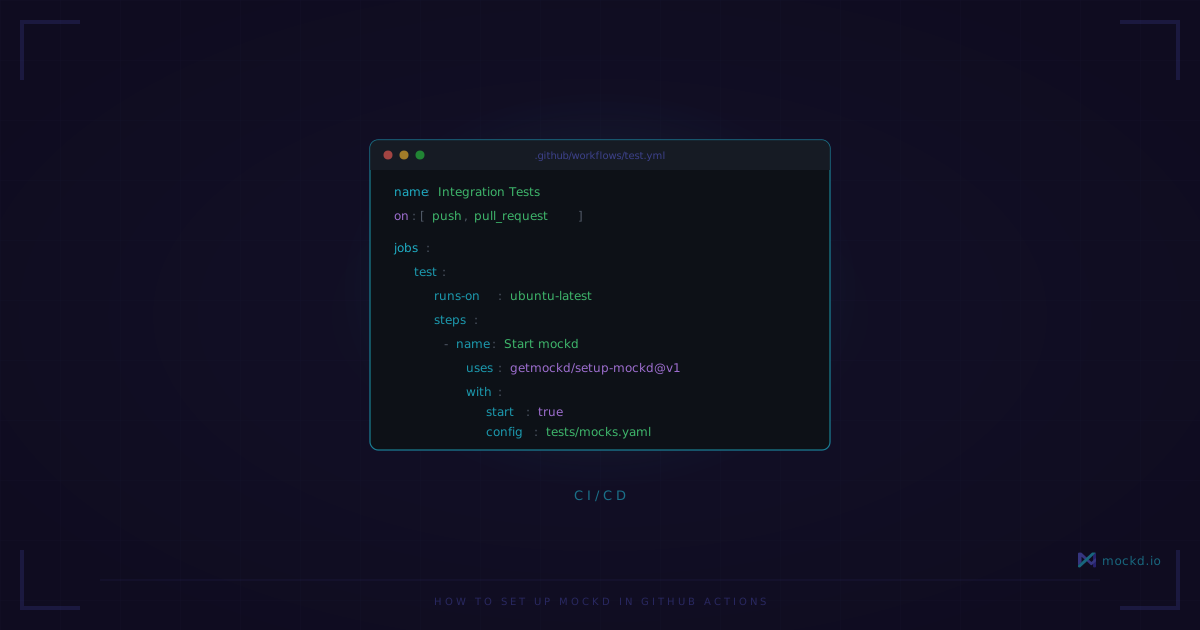
How to Set Up mockd in GitHub Actions
A single GitHub Action step. No Docker containers, no JVM startup, no WireMock classpath configuration. Just a binary that starts in milliseconds.
Last month I watched a CI pipeline spend 28 seconds pulling a WireMock Docker image before a single test ran. The JVM took another 12 seconds to start. The actual tests took 4 seconds.
That ratio is wrong.
I’ve been running mockd in GitHub Actions for a while now, and the setup portion of my pipeline went from “go make coffee” to “did it already run?” Here’s how to do it.
The quick version
There’s a GitHub Action that handles everything:
- uses: getmockd/setup-mockd@v1
  with:
    start: true
    config: tests/mocks.yaml
That’s four lines. It downloads the mockd binary, verifies the SHA256 checksum, and starts the server with your config file. Your mocks are available at http://localhost:4280 before the next step runs.
Here’s a complete workflow:
name: API Tests
on: [push, pull_request]

jobs:
  test:
    runs-on: ubuntu-latest
    steps:
      - uses: actions/checkout@v4
      - uses: getmockd/setup-mockd@v1
        with:
          start: true
          config: tests/mocks.yaml
      - run: npm test
        env:
          API_URL: http://localhost:4280
The action caches the binary across runs, so after the first download you’re looking at a cache restore instead of a network fetch. On subsequent runs the setup step takes about 2 seconds — most of that is GitHub’s cache retrieval, not mockd.
What the action gives you
The setup-mockd action has a few inputs worth knowing about:
version— Pin to a specific release. Defaults tolatest.start— Set totrueto start the server immediately. Defaults tofalse(just installs the binary).config— Path to your YAML config file. This is where your mocks live.port— Mock server port. Defaults to4280.admin-port— Admin API port. Defaults to4290.log-level— Defaults towarn, which keeps your CI logs clean.github-token— Used to resolve thelatestversion tag. Defaults togithub.token.
It also exposes outputs: mockd-url, admin-url, version, and cache-hit. The cache-hit output is useful if you want to skip setup logic on cache hits.
When start: true is set, the action runs mockd serve under the hood. That means you get the full admin API on port 4290 — you can create, update, and delete mocks at runtime via the CLI or HTTP calls during your test run.
Engine mode for parallel jobs
Sometimes you don’t need the admin API. Maybe you’re running 6 parallel test jobs and each one needs its own isolated mock server with a fixed config. That’s what mockd engine is for.
The engine command is minimal on purpose. It doesn’t start the admin API, doesn’t persist data, doesn’t create PID files. It loads mocks from a config file and serves them. That’s it.
    steps:
      - uses: getmockd/setup-mockd@v1
      - name: Start mock server
        run: |
          mockd engine --config tests/mocks.yaml --port 0 --print-url > /tmp/mockd-url &
          sleep 2
          MOCKD_URL=$(cat /tmp/mockd-url)
          echo "MOCKD_URL=$MOCKD_URL" >> $GITHUB_ENV
      - run: npm test
        env:
          API_URL: ${{ env.MOCKD_URL }}
The --port 0 flag tells mockd to grab any available port from the OS. Combined with --print-url, it writes the actual URL (like http://localhost:53421) to stdout. No port conflicts, even when running multiple instances in the same job.
This is the pattern I use for matrix builds. Each matrix entry starts its own mockd engine with --port 0, and the tests pick up the URL from the environment variable. No coordination needed.
If you need CI-parseable logs, add --log-format json. Every log line comes out as structured JSON — easy to pipe into jq or whatever log aggregation your team uses.
Which approach to pick
Use the action with start: true when you want the simplest setup and might need to create or modify mocks during the test run. The admin API on port 4290 lets you do things like add a mock that returns a 500 to test error handling, then delete it afterward.
Use mockd engine when you want the smallest footprint, need parallel instances, or just want a static set of mocks from a config file. No admin API means no accidental state leakage between tests.
I use the action approach for integration test suites where different test files set up different mock scenarios. I use engine mode for contract tests where the mocks are fixed and I’m just verifying my client code handles the responses correctly.
Why this is faster than the alternatives
The comparison isn’t close:
- WireMock in Docker: Pull image (10-30s first run, cached after), start JVM (8-15s), load mappings. You’re looking at 20-45 seconds on a cold run, 10-15 seconds cached.
- json-server:
npm install json-serveradds a dependency, plus you’re limited to REST and the mock fidelity is… basic. - mockd: Download binary (2-5s first run, cached after), start server (under 100ms). Total: under 3 seconds on a cached run.
mockd is a single static binary. No runtime dependencies, no Docker layer, no package manager. It starts in under 100 milliseconds because there’s no VM to boot, no classpath to scan, no plugins to load.
Things to know
A few things I’d want someone to tell me before I set this up:
The setup-mockd action works but isn’t in the GitHub Marketplace yet. You can still use it — GitHub Actions don’t have to be in the Marketplace to work. Reference it as getmockd/setup-mockd@v1 and it resolves from the repo. We just haven’t gone through the Marketplace publishing process.
mockd engine has no admin API. That’s by design — it’s the minimal mode. But it means you can’t use mockd add or mockd update to change mocks at runtime. If you need runtime mock manipulation, use mockd serve (which is what the action runs when start: true is set).
Your config file is your source of truth. Check tests/mocks.yaml (or whatever you call it) into your repo. Every developer and every CI run uses the same mocks. No more “it works on my machine because I set up mocks differently.”
Learn more
- Mock a REST API in 30 seconds — the basics of setting up HTTP mocks with mockd
- Mock server-first environment pipeline — designing your dev pipeline around mock servers
- Mockd vs WireMock — detailed comparison of setup time, memory usage, and protocol support
Links
- GitHub: github.com/getmockd/mockd (Apache 2.0)
- Action: github.com/getmockd/setup-mockd
- Install:
brew install getmockd/tap/mockdorcurl -fsSL https://get.mockd.io | sh
Try mockd
Multi-protocol API mock server. HTTP, gRPC, GraphQL, WebSocket, MQTT, SSE, SOAP.