
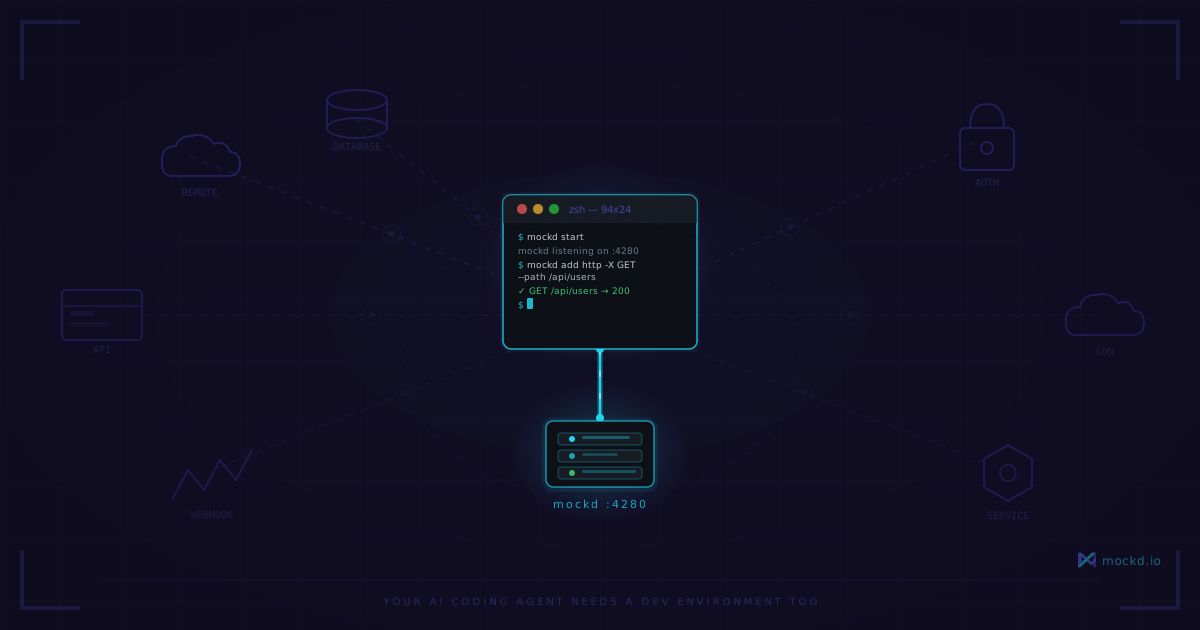
Your AI Coding Agent Needs a Dev Environment Too
AI agents don't just write code. They develop, test, and iterate in tight loops. We gave them editors and terminals — but forgot to give them the services their code talks to.
Note: mockd’s hosted cloud relay is paused for now. Tunnels still work self-hosted — run your own relay and use
mockd tunnel --relay <host>. Interested in a hosted option? Email sales@mockd.io.
I’ve been watching how AI coding agents actually work — not the demos, the real day-to-day usage — and something keeps standing out: we’ve optimized the wrong things.
Agents have great editors now. They can read files, write files, run tests, search codebases, manage git. The tooling around code manipulation is genuinely impressive.
What they can’t do — what nobody seems to talk about — is run a development loop against the services their code depends on. And if you’ve built anything nontrivial in the last decade, that’s where most real development happens.
The development loop problem
When you build a feature that talks to an external API — Stripe for payments, your team’s user service, a third-party data provider — you need that service running and responding while you develop. You write code, test it, see what the API returns, adjust, test again. Tight loop.
AI agents do this loop too. Except faster. A lot faster.
A developer might hit an API endpoint 20–30 times while building a payment integration. They know the API, they’ve read the docs, they debug by reading error messages and adjusting carefully.
An AI agent doing the same work might hit that endpoint 200–400 times. It generates code, tests it, reads the response, adjusts, generates new code, tests again. Each iteration is cheap in human terms — it costs tokens, not hours — but each iteration still needs a real response from a real service.
And that’s where everything falls apart.
What happens when agents hit real services
Three problems, in order of how much they’ll derail your afternoon:
Rate limits. Stripe’s test mode allows 25 requests per second. That sounds generous until an AI agent burns through it in a tight iteration loop, gets rate-limited, spends 400 tokens parsing the 429 response, backs off, retries, gets limited again, and eventually asks you what went wrong. Your agent just hit a wall that has nothing to do with the code it’s writing.
Cost. Not every API has a free test mode. Third-party data providers, AI inference APIs, communication platforms — many charge per request even in sandbox environments. An agent making 200 exploratory calls during a feature build adds up fast. And unlike a developer who reads docs and makes targeted calls, agents are exploratory by nature. They try things. They test edge cases. That exploration has a dollar sign attached when it hits real services.
Availability. The API you depend on is maintained by a team in another timezone. They pushed a breaking change to staging at 3 PM their time — 7 AM yours. Your agent starts working at 8 AM and immediately hits 500 errors on every call. It doesn’t know the staging environment is broken. It thinks its code is wrong. It spends 45 minutes rewriting perfectly good code to “fix” an error that isn’t its fault.
Developers recognize these situations instinctively. We check Slack, we ping the other team, we context-switch to something else. Agents don’t have that instinct. They see a broken response and conclude they need to write different code.
The gap in your local dev stack
We’ve actually solved most of the “AI agent needs local infrastructure” problem:
- Filesystem? Agents have one.
- Terminal? Built in.
- Database? SQLite, Docker, your local Postgres — pick one.
- Git? First-class support in every agent.
- Editor/IDE integration? That’s… what they are.
What we haven’t solved: the services this application talks to over the network.
Your app makes HTTP requests to a user service. It connects to a WebSocket for real-time updates. It calls a gRPC service for search. It authenticates through an OAuth provider. Those services are remote, someone else owns them, and they may or may not be running right now.
That gap — the space between “my agent can edit code” and “my agent can develop against a real system” — is the bottleneck nobody’s addressing. Your agent has every tool it needs to write code, and no way to verify that code works against the services it’s designed to talk to.
Mock servers as agent infrastructure
I’ll be direct: this is the reason I built mockd.
Not because mock servers are a new concept. WireMock has been around since 2011. json-server since 2013. The idea of returning fake responses from a local server isn’t novel.
What’s new is the role. Mock servers aren’t just test utilities anymore. They’re development infrastructure that makes AI agents productive. The same way a local database makes a developer productive — it’s always there, it’s fast, it’s yours — a local mock server makes an agent productive against external service dependencies.
When you point an AI agent at a project that has a mock server running, the agent can:
- Make unlimited API calls with zero rate limits
- Get sub-millisecond responses instead of network-latency responses
- Work against services that don’t exist yet (the other team hasn’t built them)
- Work at 3 AM when staging is down for maintenance
- Work in complete isolation from other developers and their agents
- Hit intentional error responses you’ve configured, not accidental ones from broken staging
This isn’t a test-time convenience. It’s a development-time necessity.
Self-provisioning infrastructure
Here’s where it gets interesting. With MCP (Model Context Protocol), an agent doesn’t just develop against mock servers — it can manage them.
MCP is a standard protocol that lets AI agents call external tools programmatically. mockd exposes 18 MCP tools for creating endpoints, importing API specs, managing state, and inspecting request logs. Any MCP-compatible agent — Claude Code, Cursor, GitHub Copilot — can use them.
The workflow:
- Agent reads the OpenAPI spec for the service you depend on
- Agent calls mockd’s
import_mockstool to create endpoints from the spec - Agent develops against those endpoints as if they’re the real service
No human writes configuration. No human runs CLI commands. The agent provisions its own development infrastructure and immediately starts building.
This is a fundamentally different relationship between developer tools and AI. The tool isn’t something the developer configures for the agent. The tool is something the agent configures for itself.
The cost math
Let’s make this concrete.
A team of 10 engineers, each with an AI agent doing 4 hours of assisted development per day. Each agent averages 150 API calls to external service dependencies during that time.
Against real services:
| Cost factor | Calculation | Daily cost |
|---|---|---|
| Metered API calls | 10 agents x 150 calls x $0.01/call | $15 |
| Rate-limit delays | ~5 min/day/agent of wasted time | 50 min lost |
| Staging downtime | 10% availability issues = blocked agents | ~2 hrs/day team-wide |
| Agent token waste | Debugging non-code errors (429s, 500s, timeouts) | Hard to quantify, but real |
Against local mock servers:
| Cost factor | Value |
|---|---|
| API calls | $0.00 |
| Rate-limit delays | 0 ms |
| Availability issues | 0 (it’s running on your machine) |
| Agent token waste | Near zero |
The mock server isn’t a nice-to-have optimization. It’s the difference between your agent spending tokens on your feature and spending tokens fighting infrastructure it doesn’t control.
This is just the beginning
Local mock servers for AI development is a bigger topic than one post can cover. Two things I haven’t addressed yet: why “return 200 OK with some JSON” isn’t enough (your agent needs realistic service behavior to build production-ready code), and how this scales when you have multiple teams with multiple agents all developing in parallel.
Those are Part 2 and Part 3 of this series:
- Part 2: Digital Twins, Not Mock Responses — Why agents need stateful service replicas, not static response stubs. Plus the multi-worktree pattern for parallel AI development.
- Part 3: The Mock Server Is the First Environment in Your Pipeline — The enterprise perspective: mock environments as a deployment pipeline stage, shared mock catalogs, and what Airbnb and Uber figured out that your team hasn’t.
If you want to try this now:
# Install mockd
curl -fsSL https://get.mockd.io | sh

# Start the server
mockd start

# Create a mock endpoint
mockd add http --method GET --path /api/users
  --status 200
  --body '[{"id": 1, "name": "Alice"}, {"id": 2, "name": "Bob"}]'
Your agent now has an API it can develop against. No rate limits, no costs, no downtime.
Learn more
- Quickstart guide — install mockd and create your first mock in under 60 seconds
- All features — MCP server, AI mock generation, 7 protocols, recording proxy, and more
- All 7 protocols — HTTP, gRPC, GraphQL, WebSocket, MQTT, SSE, SOAP
- Cloud tunnel — share local mocks via a public URL with one command
Links
- GitHub: github.com/getmockd/mockd (Apache 2.0)
- Docs: docs.mockd.io
- Install:
brew install getmockd/tap/mockdorcurl -fsSL https://get.mockd.io | sh
Try mockd
Multi-protocol API mock server. HTTP, gRPC, GraphQL, WebSocket, MQTT, SSE, SOAP.