
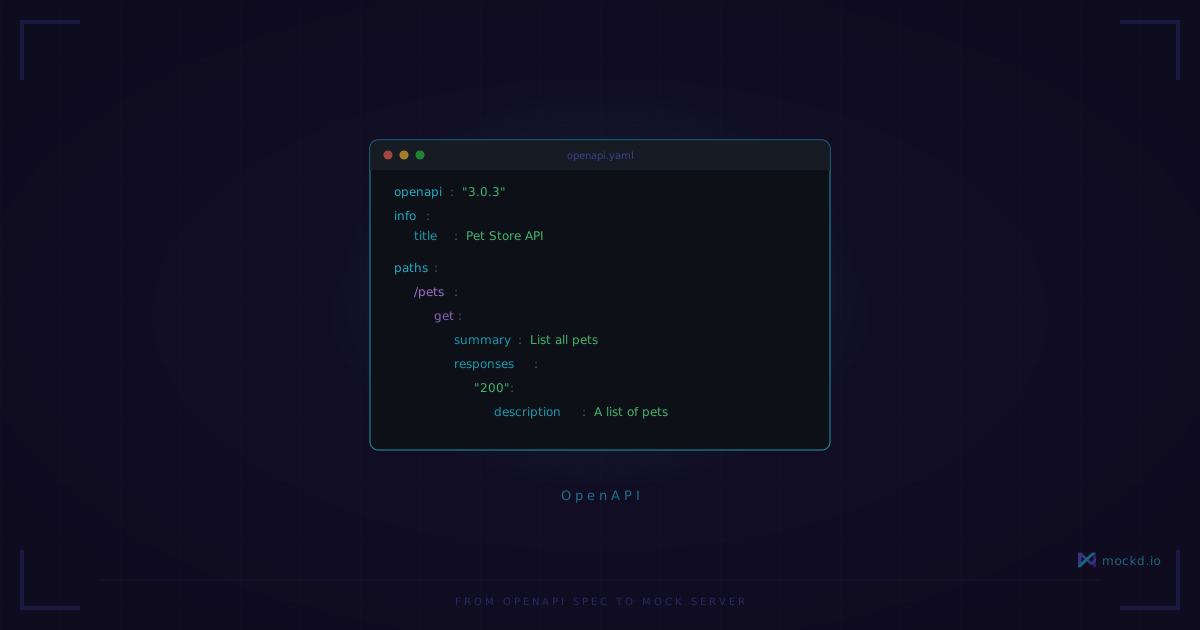
From OpenAPI Spec to Mock Server in One Command
Import an OpenAPI spec and get a working mock server with realistic responses. No code generation, no middleware configuration, no runtime to install.
You have an OpenAPI spec. Your backend team is still building the endpoints. Your frontend devs need something to call today, and your integration tests can’t keep hitting a staging server that’s down half the time.
This is the most common situation I hear about from developers trying mockd for the first time. You’ve got a contract — the spec — but no server behind it yet. So you either hardcode fetch responses in your frontend, write a janky Express server that returns static JSON, or wait.
I’ve done all three. None of them are good.
One command
Install mockd:
# macOS
brew install getmockd/tap/mockd

# Linux / Windows
curl -fsSL https://get.mockd.io | sh
Now point it at your spec:
mockd import petstore.yamlParsed 3 mocks from petstore.yaml (format: openapi)
Imported 3 mocks to server
Total mocks: 3That’s it. mockd reads every path and method in your OpenAPI spec, creates a mock for each one, and starts serving responses on port 4280. You can verify with:
mockd listYou’ll get a table showing every mock — ID, type, path, method, status code, and whether it’s enabled. Every endpoint from one YAML file, zero boilerplate.
Hit one:
curl http://localhost:4280/api/petsYou get back a JSON response with sample data derived from the schema in your spec.
What the responses look like
mockd doesn’t just return empty objects or hardcoded "string" values. It reads the schema definitions in your OpenAPI spec and generates plausible data. If your spec defines a Pet with a name field typed as string, you’ll get something that looks like a name.
For more control, you can edit the imported mocks and use faker templates in the response bodies:
response:
  body: |
    [
      {"id": 1, "name": "{{faker.name}}", "status": "available"},
      {"id": 2, "name": "{{faker.name}}", "status": "pending"}
    ]
There are about 34 faker functions — {{faker.email}}, {{faker.ipv4}}, {{faker.phone}}, {{uuid}}, {{now}}, and so on. Each call generates fresh values. It’s not a perfect simulation of your production data, but it’s a lot better than every field being "test".
Pipe support for CI/CD
If you’re pulling specs from a registry or generating them as part of a build, you don’t need to save to a file first:
cat petstore.yaml | mockd importParsed 3 mocks from stdin (format: openapi)
Imported 3 mocks to server
Total mocks: 3Same result, works anywhere you can pipe. This is the pattern I use in CI — pull the spec from wherever it lives, pipe it into mockd, run integration tests against localhost:4280, tear it down.
It’s not just OpenAPI
mockd’s import handles eight formats:
- OpenAPI (v2 and v3) — the one we’ve been talking about
- Postman collections — export from Postman, import into mockd
- HAR files — record real traffic in your browser’s network tab, replay it as mocks
- WireMock mappings — migrating from WireMock? Bring your existing stubs
- cURL commands — paste a curl command, get a mock
- WSDL files — for the SOAP endpoints you inherited and don’t want to think about
- Mockoon environments — moving from Mockoon? Import directly
- mockd YAML/JSON — mockd’s own config format, for sharing between projects
The auto-detection figures out the format. You just run mockd import <file> and it works. I’ve only had to manually specify the format once, with a particularly ambiguous JSON file.
Export for version control
After importing and tweaking your mocks — adjusting response bodies, adding delay, changing status codes — you probably want to save that configuration:
mockd export > backup.yamlCommit backup.yaml to your repo. New developers clone the repo, run mockd import backup.yaml, and they’ve got the same mock setup. No Notion doc explaining which Postman collection to export and which endpoints to manually configure.
What it doesn’t do
I’d rather you know the limitations before you invest time:
- Request validation is off by default. mockd won’t reject a request that doesn’t match your spec’s parameter requirements. It’s a mock server, not a contract testing tool. There’s a flag to enable stricter matching, but out of the box it’s permissive — send whatever you want and you’ll get a response.
- It doesn’t generate every response variant. If your spec defines a
200, a400, and a404for the same endpoint, mockd creates a mock for the success case. You can add the error variants yourself, but the import focuses on happy paths. - Sample data is simplified. Deeply nested schemas with
allOf/oneOfcompositions get flattened into something reasonable, but it won’t perfectly replicate every edge case of your schema. For most testing purposes, this is fine. If you need exact schema conformance in responses, you’ll want to hand-craft those response bodies.
If any of these are dealbreakers for your workflow, I’d genuinely like to hear about it — open an issue. The import logic has gotten better with every release because people tell me what broke.
The actual workflow
Here’s the pattern that’s worked for me across three projects now:
- Backend team publishes an OpenAPI spec (even a draft)
mockd import spec.yaml— mocks are live in under a second- Frontend devs point their local dev server at
localhost:4280 - CI pipeline imports the spec, runs integration tests, tears down
- When the real API is ready, swap the base URL and everything should just work
Step 5 is the important one. Because your mocks are shaped by the same spec the backend is implementing, the contract is shared. You’re not writing mock responses that drift from what production actually returns.
It’s not a contract testing tool — it won’t tell you when spec and server disagree. But it keeps your test data in the same shape as your spec, which catches a lot of issues early.
Learn more
- REST API mocking tutorial — the basics of HTTP mocking with mockd
- Mockd vs WireMock — WireMock needs Java. Mockd is a single binary.
- Mockd vs Prism — Prism is OpenAPI-only. Mockd handles 7 protocols.
- All 7 supported protocols — HTTP, gRPC, GraphQL, WebSocket, MQTT, SSE, SOAP
Links
- GitHub: github.com/getmockd/mockd (Apache 2.0)
- Docs: docs.mockd.io/import
- Install:
brew install getmockd/tap/mockdorcurl -fsSL https://get.mockd.io | sh
Try mockd
Multi-protocol API mock server. HTTP, gRPC, GraphQL, WebSocket, MQTT, SSE, SOAP.